
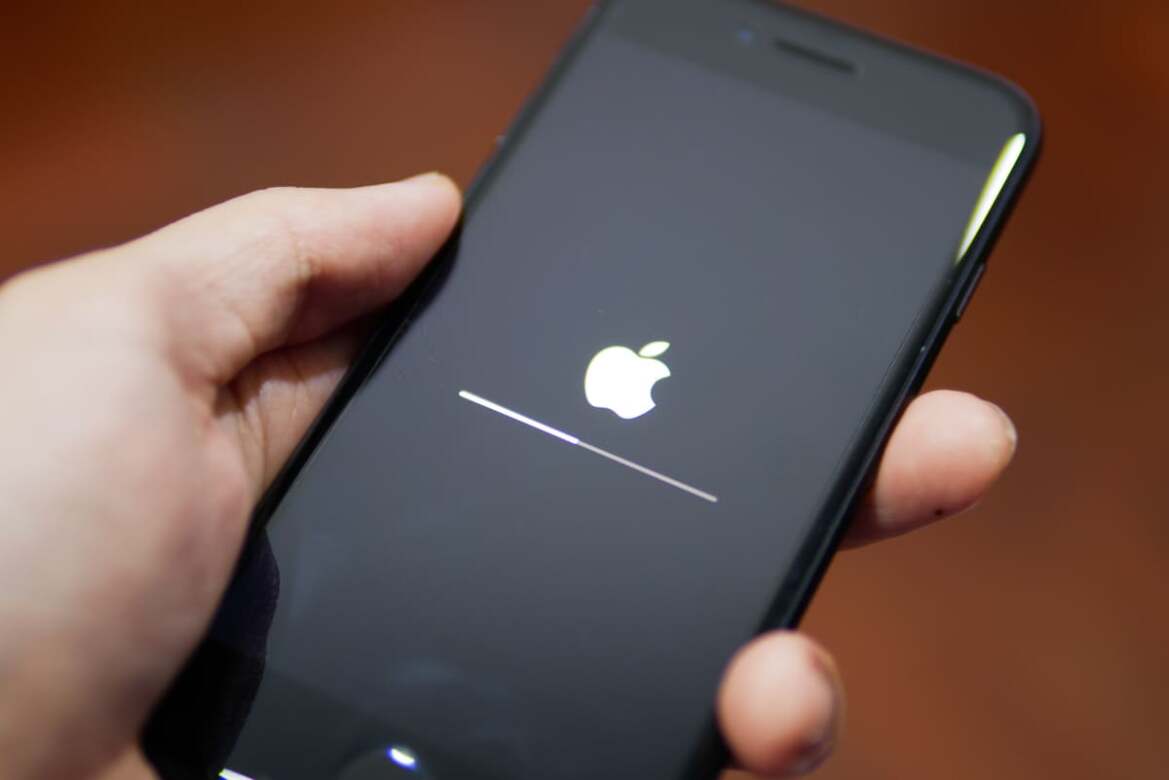
Apple Inc. has released iOS 26.3, and this is not just another routine software update. The latest version patches 39 security vulnerabilities, including one actively exploited in real-world attacks.
Security experts are urging users to update immediately. One of the flaws, tracked as CVE-2026-20700, affects a core system component called dyld (Dynamic Link Editor) and it could allow attackers to execute arbitrary code on vulnerable devices.
If your iPhone supports iOS 26.3, updating is not optional it is essential.
Why the iOS 26.3 Security Update Is Critical
The iOS 26.3 update addresses multiple vulnerabilities across the operating system, including WebKit and the iPhone kernel.
The Dyld Zero-Day Vulnerability Explained
The most alarming flaw lies in dyld, the Dynamic Link Editor responsible for loading and linking dynamic libraries when apps launch.
Security researchers describe dyld as “the doorman of your iPhone.”
If exploited, attackers could bypass key security checks before apps are placed into Apple’s protective sandbox. This means malicious code could gain deep system-level access.
Apple confirmed that this issue “may have been exploited in an extremely sophisticated attack against specific targeted individuals.”
This suggests the flaw was likely part of a spyware delivery chain.
How the Attack Chain Worked
Earlier, Apple patched two WebKit vulnerabilities in iOS 26.2. Those bugs were linked to reports from Google’s Threat Analysis Group.
When combined with the dyld flaw, attackers could create a zero-click exploit chain — meaning:
No user interaction required
No suspicious links to tap
No downloads to approve
Attackers could gain total control silently.
Such exploit chains are typically associated with high-end surveillance tools used against journalists, government officials, and business leaders.
What Risks Does This Pose to iPhone Users?
Although the attacks appear highly targeted, experts warn that once vulnerability details become public, broader exploitation can follow.
Potential Consequences of Exploitation
If successfully exploited, attackers could:
Run arbitrary code
Install spyware or backdoors
Access personal data
Monitor communications
Cybersecurity researchers emphasize that even if you are not a high-profile target, you could still become collateral damage.
Delaying updates increases your exposure window.
Who Is Most at Risk?
Business users, government employees, activists, and journalists are traditionally high-risk targets.
However, enterprise security managers warn that there is often a delay between when Apple releases patches and when organizations deploy them across company devices.
This delay creates measurable risk.
Experts also note that many attacks succeed not because of advanced hacking techniques, but due to predictable human behaviour such as postponing updates.
Devices Eligible for iOS 26.3
iOS 26.3 is available for:
iPhone 11 and later
Compatible iPads including newer iPad Pro, iPad Air, iPad mini, and iPad models
For older devices, Apple has released iOS 18.7.5 and iPadOS 18.7.5, though these updates do not include the dyld zero-day patch.
If your device supports iOS 26, you should upgrade immediately.
If your iPhone is too old to run iOS 26.3, it may never receive this foundational fix which raises serious long-term security concerns.
Other Updates Released Alongside iOS 26.3
Apple also issued updates for its wider ecosystem:
macOS Tahoe 26.3
watchOS 26.3
visionOS 26.3
Safari 26.3
Apple TV updates
Some macOS versions received partial fixes but did not patch the same zero-day issue.
This demonstrates how interconnected Apple’s ecosystem is — and why staying updated across all devices is important.
How to Protect Yourself Beyond Updating iOS 26.3
Updating is the most important step but not the only one.
Watch for Signs of Spyware
Spyware can be stealthy, but warning signs may include:
Unusual battery drain
Overheating
Apps appearing unexpectedly
Strange device behaviour
If you suspect compromise, stop using the device and seek expert help.
Restarting your iPhone regularly can temporarily disrupt certain malware processes.
Use Lockdown Mode for Extra Security
Apple offers Lockdown Mode, a high-security feature designed for users who may face targeted attacks.
While it limits some iPhone functionality, it significantly reduces the attack surface.
For high-risk individuals, this is currently one of the strongest available protections.
Avoid Common Security Mistakes
Experts recommend:
Installing updates immediately
Avoiding suspicious links or attachments
Verifying unexpected messages
Not sharing verification codes
Apple threat notifications, if issued, will never ask you to click links or share passwords.
Security awareness is as important as security software.
Why You Should Update to iOS 26.3 Now
The scale and severity of the vulnerabilities patched in iOS 26.3 make this one of the most important updates in recent years.
The update:
Fixes 39 security flaws
Closes an exploited zero-day
Patches WebKit and kernel issues
Blocks a spyware delivery chain
Cybersecurity experts describe this patch as closing a door that has been unlocked for years.
In today’s environment, where attackers constantly hunt for weaknesses, staying updated is your first line of defines.
Final Verdict: Don’t Delay This Update
The release of iOS 26.3 is a clear warning. Apple rarely confirms active exploitation unless the threat is serious.
Updating now protects your personal data, communications, and digital life.
To install:
Go to Settings > General > Software Update and download iOS 26.3 immediately.
The cost of waiting could be far greater than the inconvenience of updating.
Related posts:
 What Happens to Your Brain When Smartwatch AI Lives on Your Wrist
 Perplexity Strengthens Comet Assistant with Smarter Safeguards and Control
 CERT-In Urges Apple Users to Update Devices to Prevent Hacks
 India Gears Up for Deep-Sea Breakthrough With Matsya-6000 Submersible
 New VoxeLite Finger Wearable Brings Realistic Digital Touch Technology
 Banking Connect Boosts Real-Time Monitoring and Transforms India’s Bill Payments
 India Introduces New Mandatory SIM Rule for Messaging Apps Nationwide
 NASA Artemis II Mission 2026: Humanity’s Moon-Fly Opportunity
 Android 17 New Design Leaks Reveal Blur Effects, Features
 Nothing Phone 4a Pro Launch, Specs, Battery, Price Expectations 2026