
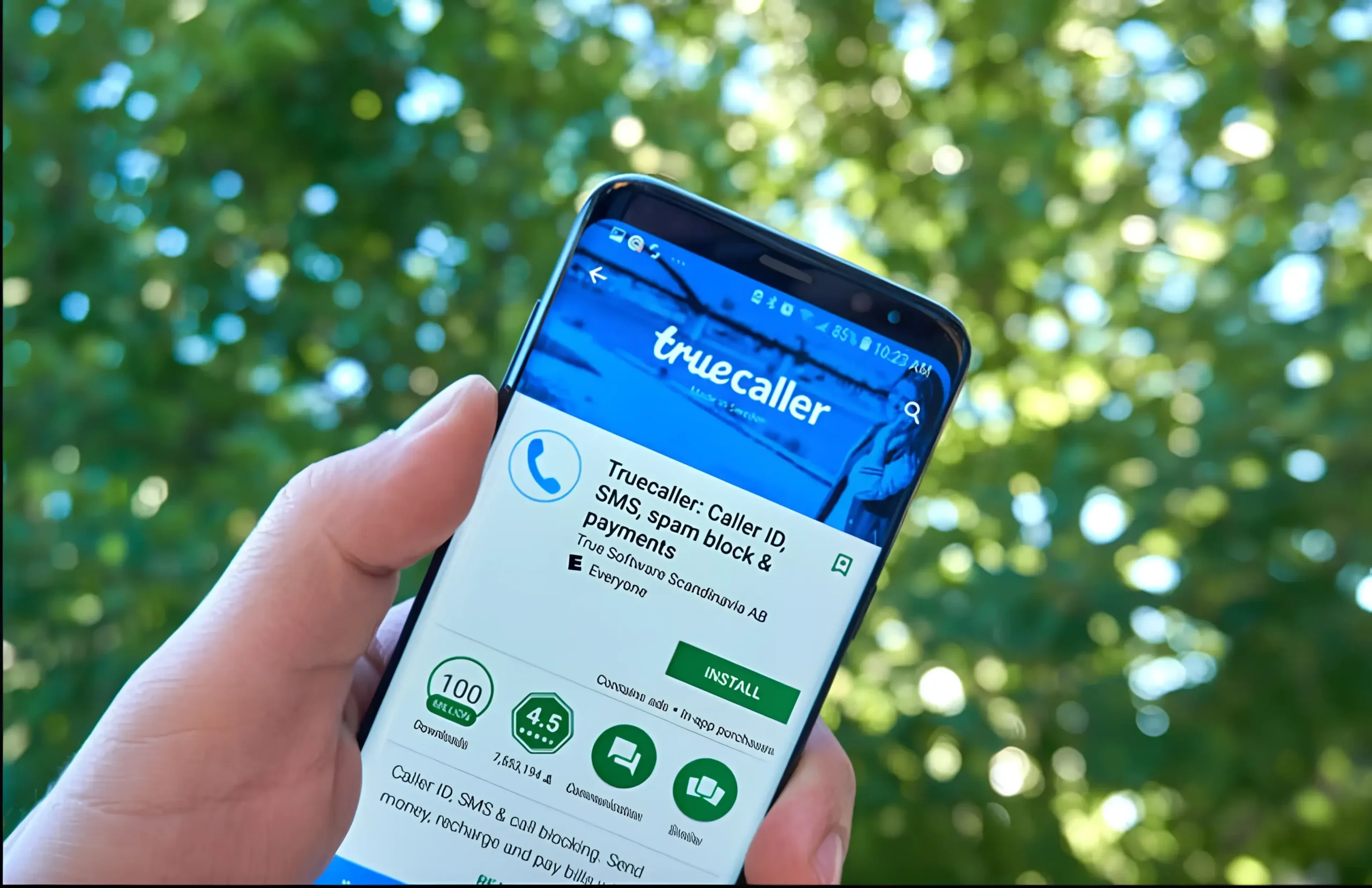
Why People Want to Delete Truecaller Account
Truecaller has become one of the most widely used caller identification apps across the world, especially in India. It helps users identify unknown callers, block spam calls, and stay alert against scam numbers. When a spam or fraud call comes in, the app often flashes a warning even before you pick up the phone. This feature has saved many people from falling into phone scams.
However, along with these benefits, Truecaller has raised serious privacy concerns. The app works by collecting contact data from users’ phones and building a large public directory. This means your phone number and name may appear on Truecaller even if you never signed up yourself. Because of this, many users now want to delete their Truecaller account and unlist their phone number from the database completely.
Important Things to Know Before Deleting Truecaller
Before you proceed, it is important to understand that deactivating a Truecaller account and unlisting a number are two different steps. Simply deleting the app from your phone does not remove your data from Truecaller servers. Deactivating the account stops the app services, but your number can still appear in search results unless you manually unlist it.
Also, once your account is deactivated, you will lose access to features like caller ID, spam alerts, and call blocking. If privacy matters more to you than these features, deleting Truecaller is the right decision.
How to Delete Your Truecaller Account Using the App
To begin the process, you need to deactivate your Truecaller account using the official app. Download the Truecaller app from the Google Play Store if you use Android or from the Apple App Store if you use an iPhone. Once installed, open the app and make sure you are logged in with the number you want to remove.
On Android, tap the three-line or three-dot menu in the top-right corner to access settings. On iPhone, tap your profile photo at the top-right of the screen. From there, scroll down and open the Privacy Centre. Inside this section, you will find the option Deactivate My Account.
After tapping on it, Truecaller will show a confirmation message explaining that features like caller identification, spam protection, and your Truecaller account will no longer work. Confirm your choice by tapping continue. Your account will be deactivated within a few minutes.
At this stage, your account is inactive, but your phone number is still stored in the Truecaller database, which is why the next step is crucial.
How to Unlist Your Number From Truecaller Website
To completely remove your information, you must unlist your number manually through the Truecaller website. Open your browser and visit the official Truecaller unlisting page. This page allows users to either update their name or remove their number entirely from public search results.
Scroll down to the section titled Unlist Your Number. Enter your phone number along with the correct country code. After submitting the number, you will receive a confirmation request. Once confirmed, Truecaller begins the unlisting process.
According to updated information from Truecaller, it can take up to 24 hours, and in some cases up to 48 hours, for your number to disappear completely from their database. During this time, your number should no longer be searchable.
What Happens After You Unlist Your Number
Once your number is successfully unlisted, it will not appear in Truecaller search results anymore. Other users will not be able to see your name or details linked to your phone number. This gives you much better control over your personal data and digital privacy.
However, it is important to note that if you reinstall Truecaller in the future and sign up again with the same number, your information may be added back to the database. To stay unlisted permanently, avoid re-registering with Truecaller using that number.
Final Thoughts on Truecaller Privacy
Truecaller is undoubtedly useful, but privacy awareness is growing rapidly. Many users now prefer keeping their phone number private rather than being listed in a global directory. Thankfully, Truecaller does provide a clear and official way to delete your account and unlist your number without hassle.
By following the correct steps first deactivating your account and then unlisting your number—you can ensure that your personal contact details are removed safely. This simple process helps you regain control over your digital identity while staying protected from unwanted exposure.
Related posts:
 Understanding ECI’s Special Intensive Revision SIR for Voter Lists in 12 Regions
 Bengaluru Woman Loses ₹31.83 Crore in Horrific “Digital Arrest” Scam
 Kavach Train Protection System Transforms Safety on North Eastern Railway
 India’s New E-Passport: Safer, Smarter, and Faster Travel for All
 Fixing PAN Card Name Mismatch: A Simple Guide for 2025
 Top 10 Technologies for 2026 Shaping India’s Future Jobs
 Delhi Fog Flight Disruptions: Passenger Rights, Refunds, And What To Do
 RBI Tightens Aadhaar OTP KYC Rules to Curb Bank Fraud
 CGHS OPD Fees Clarified, Ayush Bima Launched for Beneficiaries
 Maharashtra Launches Bhu-Aadhaar to Modernise Farm Land Records System